
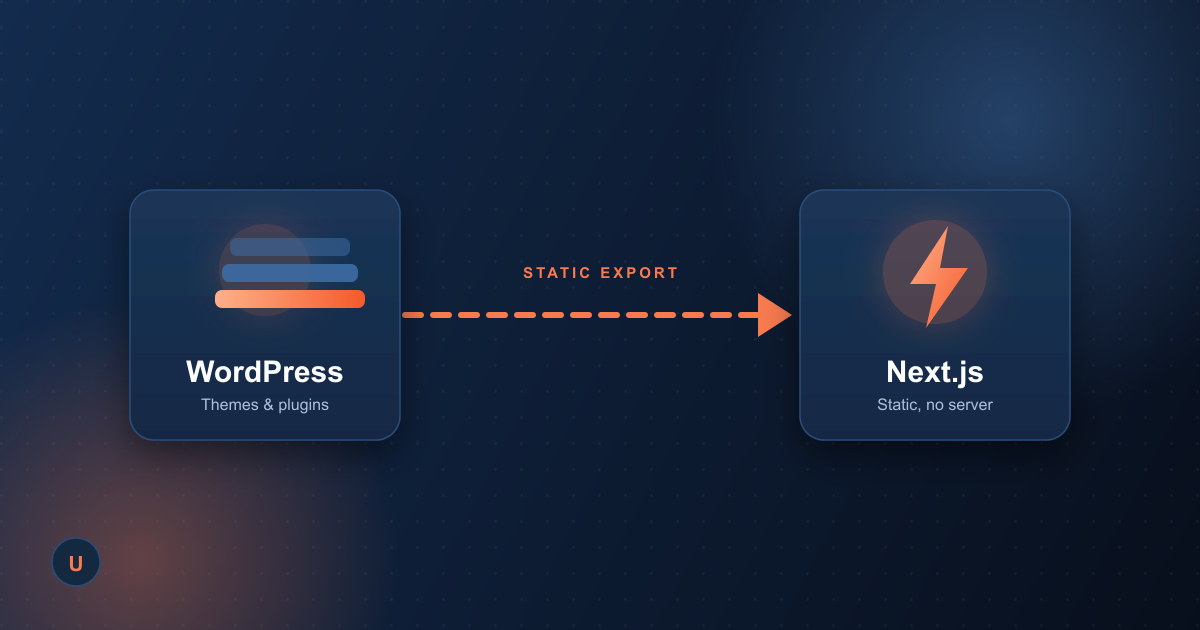
A few weeks ago we mentioned this site was moving off WordPress. It's live now, so here's the actual story — the reasoning, the tradeoffs, and the one technical wrinkle that made this more interesting than a typical migration.
Why we moved off WordPress
WordPress got us online fast, which is exactly what it's good at. But running our own site on it started costing more than it saved:
- Plugin sprawl. Every extra feature — forms, SEO, caching, security — meant another plugin, and another thing to keep patched and compatible.
- Performance ceiling. Generic themes and plugin JavaScript add weight that's hard to strip out without rewriting the theme.
- No real ownership of the code. Changing anything beyond content meant fighting the CMS's assumptions about how a page should be built.
These are the exact signs we tell clients to watch for when deciding whether they've outgrown a template. It felt right to hold ourselves to the same standard.
What we built instead
A custom site on Next.js (App Router) with TypeScript and Tailwind CSS — the same stack we reach for on client projects. Content, including this post, is written in MDX and compiled at build time. No database, no admin dashboard, no plugin updates to babysit.
The part most migration guides skip: hosting
Our hosting is a standard shared-hosting plan — no Node.js runtime available. Most Next.js advice assumes you're deploying to Vercel or a server that can run Node, which wasn't an option here without moving hosts entirely, and we didn't want to force that decision just to get a faster site.
The fix was Next.js's static export mode: the entire site — every page, the blog, the sitemap — is pre-rendered into plain HTML, CSS, and JS at build time. The output is just files, which means it deploys to any host, including the same shared Apache server that ran WordPress. No server-side rendering, no runtime — just a build step and a folder of static files.
How we shipped it without downtime
- Staged it first. The whole site went up on a subdomain and got a full page-by-page check before touching the live domain.
- Backed up everything. A full files-and-database backup of the WordPress install, taken before a single file moved.
- Swapped it in one pass. The old WordPress files were moved into a dated backup folder on the server, and the new static build took their place — same domain, same URLs, no redirects needed.
What we got out of it
A lighter, faster site we fully own the code for, with a blog we can actually extend instead of working around. If you're evaluating whether your own site has outgrown its template, get in touch — this migration is a good example of the kind of problem we solve for clients every day.